
Your photo. The main character.
Drake Burning Bridges AI Video Generator
Become the main character in a Drake Burning Bridges video.
Upload one photo to Drake Burning Bridges AI and make the person in it the main character of a Drake Burning Bridges video. Get a 15-second, 720p video without writing a prompt or uploading a reference video.
- One photo
- 15s with sound
- One-time packs
Packs from US$8.90 · No subscription
Your Drake Burning Bridges AI video starts here
Style preview. Your generated face, clothing, movement and soundtrack can differ.
The studio
Make your Drake Burning Bridges AI video
Sign in and upload one photo to make the person in it the main character of a Drake Burning Bridges video. Each 15-second, 720p generation uses 40 credits.
Your image
One person, face clearly visible
Upload photo
JPG, PNG or WebP · up to 10 MB
- One person per photo, face sharp and well lit
- Waist-up or full-body photos provide more outfit detail
- No sunglasses, masks or heavy filters
- JPG, PNG or WebP · up to 10 MB
- For better quality, choose at least 300 px on the shorter side
The preview shows the Drake Burning Bridges video template. Your photo supplies the main character’s appearance; generated details can vary.
Make my remix · 40
Each generation uses 40 credits, charged when a generation task is created. If the task fails, those generation credits are returned to your account.
By generating, you confirm the photo shows you or an adult who agreed, and follows our Acceptable Use Policy
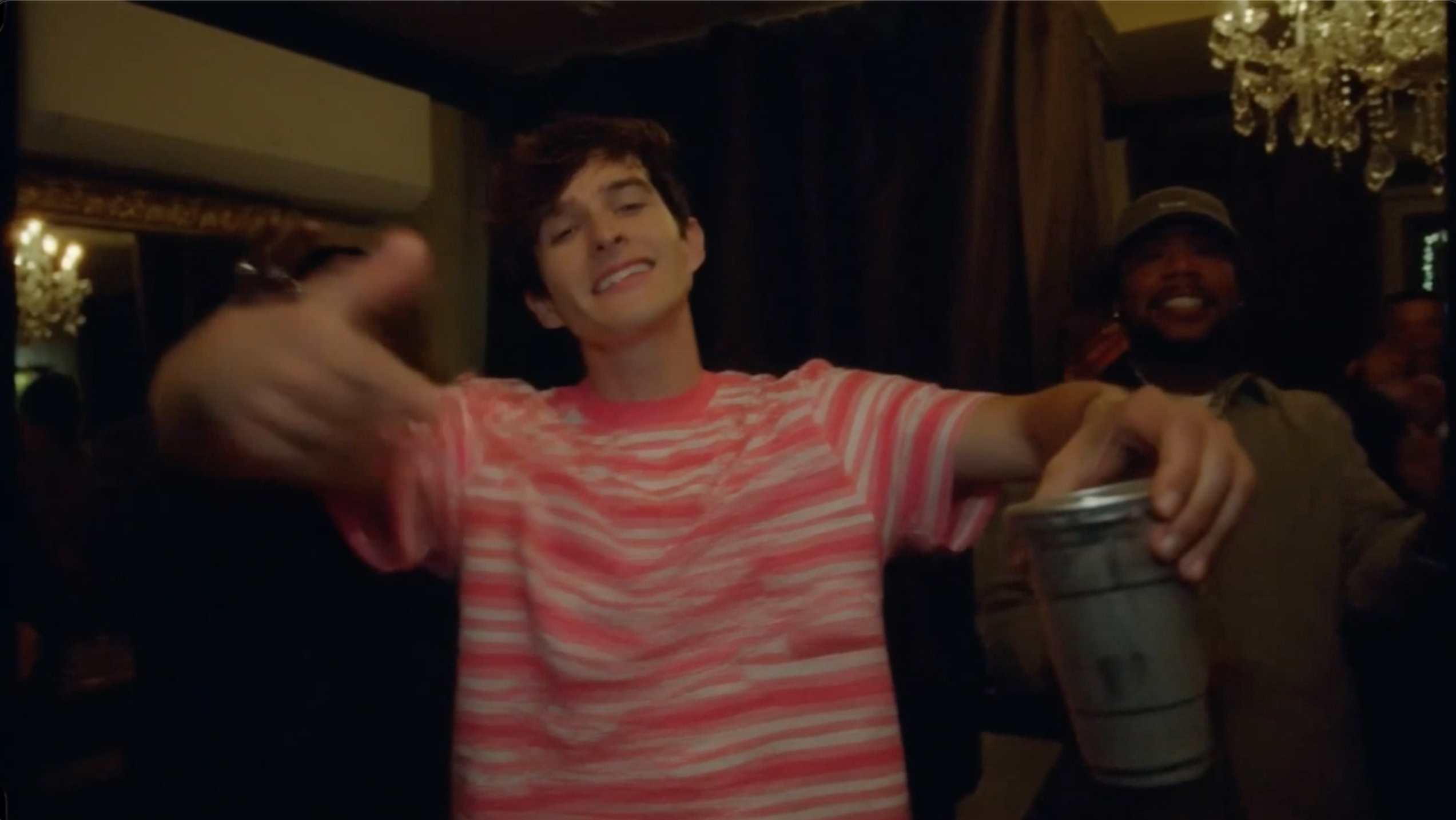
What is Drake Burning Bridges AI?
Drake Burning Bridges AI is a photo-to-video generator that turns the person in your uploaded photo into the main character of a Drake Burning Bridges video. Upload one clear photo; the video template and settings are preset. No prompt writing or timeline editing is needed.
- Your photo becomes the main characterThe person in your photo becomes the main character of the Drake Burning Bridges video. Choose one clearly visible person with a sharp face and enough outfit detail.
- The Drake Burning Bridges video templateWe provide the video template, reference scene material and preset instructions. You choose the photo; the scene, length, resolution and landscape format are preset.
- A video to review and shareThe configured output is a 15-second, 720p MP4 in 16:9 with sound and no watermark. Watch the complete result before sharing, because faces, clothing and motion can vary.
In and out
What goes in, what comes out
You choose the photo. The scene, instructions, length, resolution and landscape format are preset. This workflow has no custom prompt field, reference-video upload or scene editor.
What goes in
- You provideOne clear photo of yourself or an adult who agreed to appear.
- We provideThe Drake Burning Bridges video template and preset instructions.
You get
- 0115-second MP4 download
- 02720p HD · landscape 16:9
- 03Sound included; the original song is not guaranteed
- 04No watermark; review the result before sharing
How it works
How to make a Drake Burning Bridges AI video
Sign in, upload one photo, check your credits and follow the generation task in History.
Step 1
Sign in and upload a photo
Sign in, then upload a clear photo of yourself or an adult who agreed to appear. Keep the face visible and well lit.
Step 2
Check your credits
Each generation uses 40 credits. Buy a one-time pack if your balance is lower than 40 credits. Signing in does not grant free credits.
Step 3
Generate and check History
Select Make my remix. Follow the task in History; processing time varies. Check an existing task before submitting another generation.
Step 4
Review and download
Watch the complete MP4, check the face, motion and sound, and download the result when it is ready.
Before making your Drake Burning Bridges AI video
One photo in: the person in it becomes the main character of a Drake Burning Bridges video.
One photo is enough
Upload one clear photo to choose the main character. There is no video file to upload.
Nothing to write
The video template and instructions are already supplied. Upload your photo and select Make my remix.
HD, ready to post
A 15-second 720p HD MP4 in 16:9, ready to share.
Sound included
Your downloaded video includes sound. The original song and the preview's exact soundtrack are not guaranteed.
No watermark
Download the MP4 without a watermark. Review the result and follow the usage rules before sharing.
Fair credits
Purchased credits do not expire. Each generation uses 40 credits; failed tasks return their generation credits.
Drake Burning Bridges AI video packs
Make the person in your photo the main character of a Drake Burning Bridges video. Each generation uses 40 credits. One-time packs, no subscription, and credits never expire.
Solo
1 video in 720p HD.
What you get
- 40 credits · 1 video
- 720p HD · 15-second videos
- Sound included, no watermark
- Credits never expire
- Generation credits returned if a task fails
US$8.90 per video
Crew
3-video pack3 videos in 720p HD.
What you get
- 120 credits · 3 videos
- 720p HD · 15-second videos
- Sound included, no watermark
- Credits never expire
- Generation credits returned if a task fails
US$6.30 per video
Afterparty
5 videos in 720p HD.
What you get
- 200 credits · 5 videos
- 720p HD · 15-second videos
- Sound included, no watermark
- Credits never expire
- Generation credits returned if a task fails
US$5.18 per video
Guides
Drake Burning Bridges AI guides
Learn the steps, choose a useful photo, and understand the trend before making your remix.
Make your Drake Burning Bridges AI video
Follow the upload, credits, generation and download steps.
Choose the right photo
Check lighting, framing, file size and image quality.
Understand the Drake Burning Bridges AI trend
Learn how one photo supplies the main character in the video template.
Drake Burning Bridges AI: Questions & Answers
What people ask before their first video
What is Drake Burning Bridges AI?
Drake Burning Bridges AI is a photo-to-video generator that turns the person in your uploaded photo into the main character of a Drake Burning Bridges video. You upload one photo; we provide the video template and preset instructions.
How do I make a Drake Burning Bridges AI video?
Sign in, upload one clear photo and check that you have at least 40 credits. Select Make my remix, follow the task in History, then review and download the finished MP4.
What photo works best?
Use JPG, PNG or WebP up to 10 MB, showing yourself or an adult who agreed to appear. Choose a sharp, front-facing photo with even lighting. For better quality, use an original image at least 300 px on its shorter side.
Do I need to write a prompt or upload a reference video?
No. Drake Burning Bridges AI supplies the video template, reference scene material and instructions. You upload one photo to choose the main character. There is no custom prompt field or reference-video upload.
Is Drake Burning Bridges AI free to use?
This tool uses purchased credits. There is no free generation tier or free signup credit allowance. One-time packs start at US$8.90, and each generation uses 40 credits.
How much does a video cost?
One generation uses 40 credits. One-time packs cost US$8.90 for 40 credits, US$18.90 for 120 credits, or US$25.90 for 200 credits, covering 1, 3 or 5 generations. There is no subscription, and purchased credits do not expire. See Pricing for purchase details.
How long does generation take?
Processing time can vary. Follow the task in History and return there to check its status and download the result when it is ready.
What format do I get?
A 15-second, 720p landscape MP4 in 16:9, with sound and no watermark. The current workflow does not offer a different aspect ratio, resolution or length.
Is the original song included?
The video includes sound, but we do not guarantee the original song or the same soundtrack as the preview. Listen to your downloaded file before sharing.
What happens if generation fails?
If a task is marked as Failed, its generation credits are returned to your account. This is a credit return, not an automatic refund of the pack payment. Check History and your credit balance; contact support if the return is missing.
Who is this tool for?
It is for adults who want themselves or another consenting adult to become the main character of a Drake Burning Bridges video from one photo. No prompt writing or editing is needed. This workflow does not offer custom scenes or native vertical output.
Can I share the result?
Review the finished video before posting it. Use photos of yourself or adults who agreed to appear, identify the result as AI-generated where needed, and follow the Acceptable Use Policy.
Is this affiliated with Drake or OVO?
No. Drake Burning Bridges AI is an independent fan-made tool. It is not affiliated with, endorsed by or connected to Drake, OVO Sound or their labels.
What happens to my photo?
We process your photo to generate the video and keep it with your generation history. Contact support to request deletion of photos, videos or your account. Requests may require ownership verification; there is no self-service deletion control in History. See the Privacy Policy for details.
Create your Drake Burning Bridges AI remix
Upload one photo and make the person in it the main character of a Drake Burning Bridges video. Choose a one-time credit pack to start.